Push Codeforces to GitHub Automatically
A powerful and user-friendly Chrome extension that seamlessly syncs your accepted Codeforces submissions directly to your GitHub repository.
 Get for Chrome
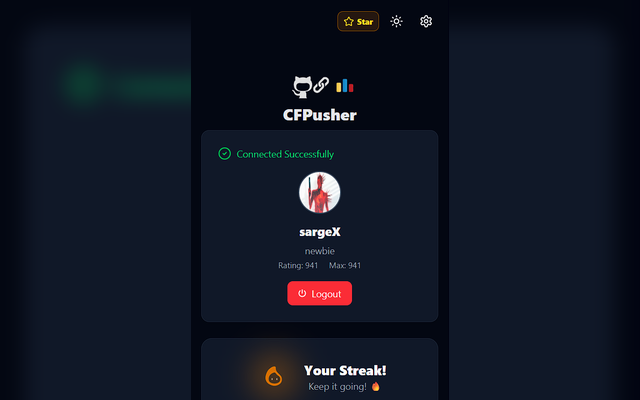
A powerful and user-friendly Chrome extension that seamlessly syncs your accepted Codeforces submissions directly to your GitHub repository.
Instantly pushes your latest accepted solutions without manual copying or terminal scripts.
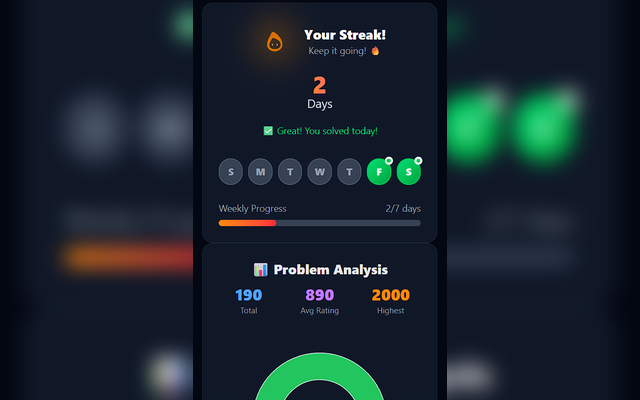
Visual streak tracking for the current week directly in your popup extension view.
Assess your progress with a dynamic chart showing the number of problems solved per rating.
Auto-generates a clean topic-wise README organized by tags, difficulty, and links.
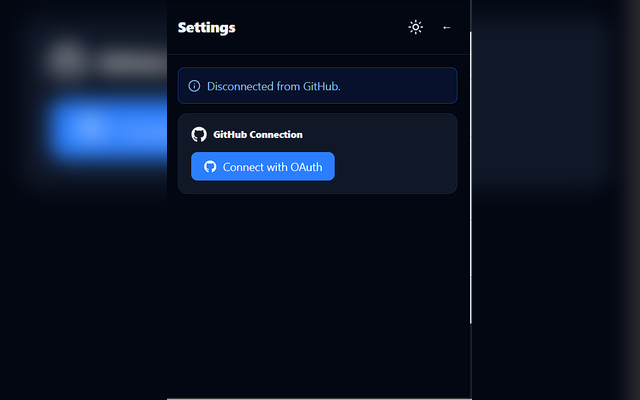
Secure OAuth logins for both Codeforces and GitHub directly from the extension. Minimal setup, complete control.
Keep your competitive programming alive with our built-in streak map and rating charts.
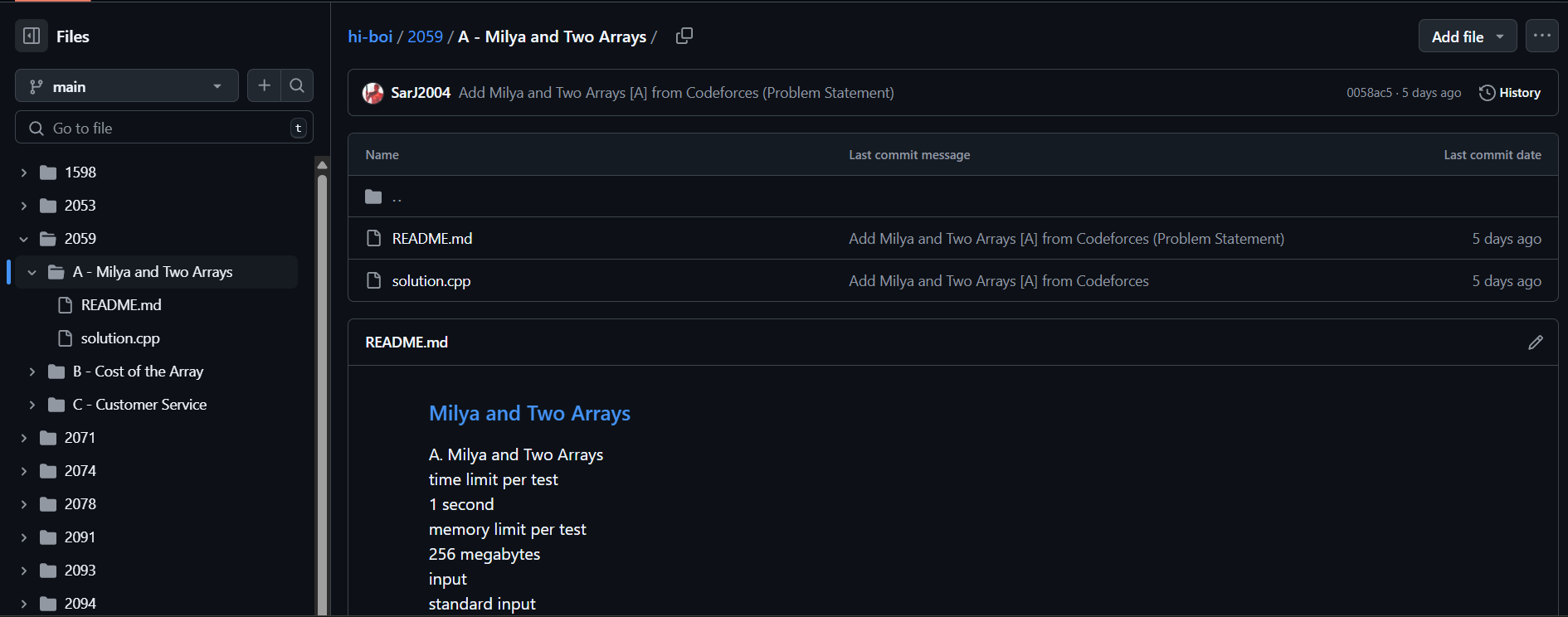
No more messy repositories. Your Codeforces journey is neatly documented with Markdown-formatted problem statements and tagged solution files.